One question many readers get over and over again is, “Where do you get the books you read?” In 2026, with how unaffordable physical books are in Nigeria, and maybe the rest of the world because economically everyone is going through it, it is essential for me to be able to access books digitally now more than ever.
There are different apps for different purposes. It truly depends on what kind of book I am reading, where the author put it up for sale, and how convenient and amazing it is to read in the app, because let us be real, no single app does everything well.
The Apps at a Glance
| App | Pros | Cons |
|---|---|---|
| Kindle | Huge catalogue, Kindle Unlimited, excellent reading experience | Country restrictions, dollar pricing and payment frustration |
| Kobo | Great EPUB support and more freedom with your own files | International billing and a smaller catalogue than Kindle |
| Apple Books | Beautiful reading app, easy file storage and iCloud sync | The Nigerian bookstore is basically useless |
| Sọna Reader | Naira payments, personal EPUBs, indie books and eARCs | Newer platform with a catalogue that is still growing |
| Libby | Free, legal ebooks and audiobooks | You need access to a participating library card, and popular books may have long waits |
1. Kindle
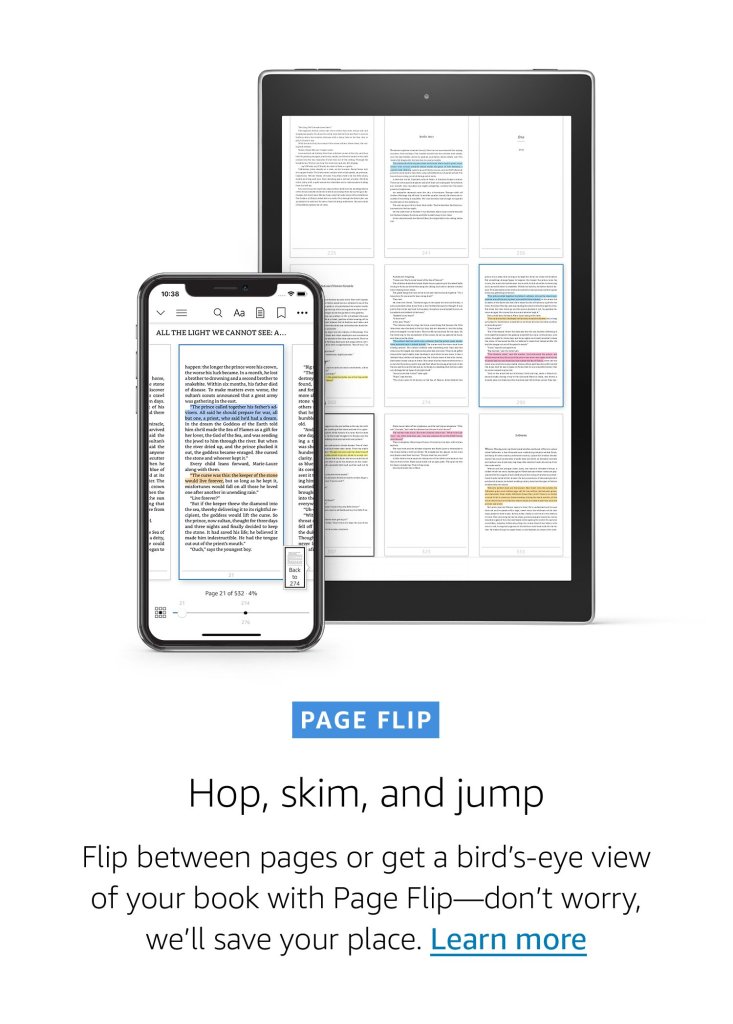
Still the default for a reason. It has the largest catalogue, a reading experience that has been refined for over a decade, and a device ecosystem that works whether you are on a Kindle Paperwhite or your phone.
The catch for readers like me in Nigeria is the country block. Nigeria is not officially supported for Kindle Unlimited, and buying books can depend on which Amazon store your account is connected to. Many of us still have to keep a supported store workaround for access. Add the fact that local cards are constantly declined on international platforms, and the prices are aggressively in dollars that do not play nicely with a depreciated naira.
- Pros: massive catalogue, Kindle Unlimited, polished reading features and excellent syncing.
- Cons: country restrictions, dollar pricing and international payment wahala.
2. Kobo
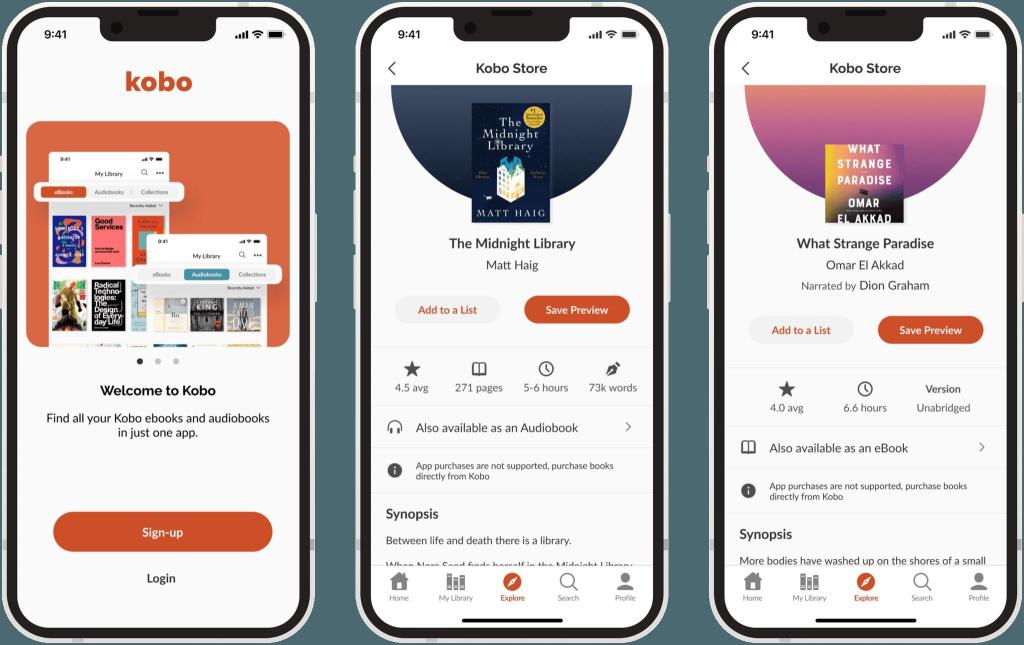
An underrated alternative that actually treats open standards well and lets you add your own EPUBs without fighting you every step of the way. The catalogue has quietly got better at carrying indie and international titles, and it is a solid option if you like managing your own files.
The annoying part is that you can still run into the same international card payment friction on the global store, depending on your billing profile, and the catalogue is not always as complete as Kindle when you are looking for a specific author.
- Pros: easy EPUB imports, better file control and a less restrictive ecosystem.
- Cons: international payments, some regional limitations and a patchier catalogue.
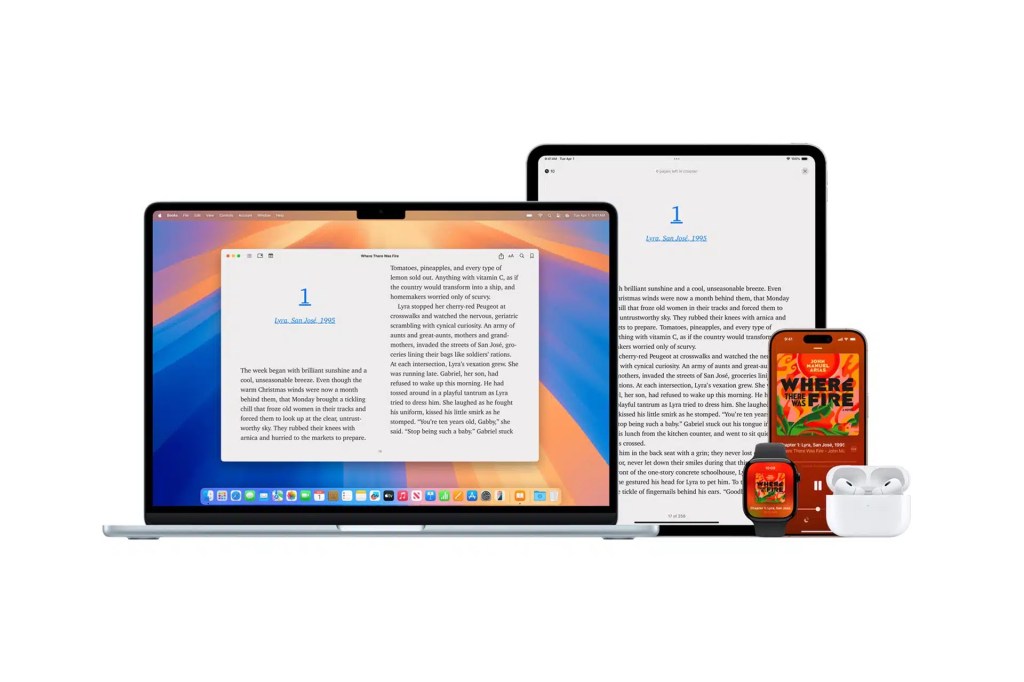
3. Apple Books
Honestly, as a bookstore in Nigeria, it is a total brick. I have been deep in the Apple ecosystem since 2013, and accessing its actual bookstore locally is still basically impossible. Apple currently only offers public-domain books through Nigerian accounts, so skip it if your main goal is buying new books.
As a reading app, though, it is amazing. It is clean, comfortable and great for storing all the books you already own, especially if you have iCloud enabled. That is why I still use it constantly, even though the store itself gives me nothing.
- Pros: beautiful reading experience, easy EPUB storage, organisation and iCloud sync.
- Cons: the Nigerian bookstore is basically useless for buying current books.
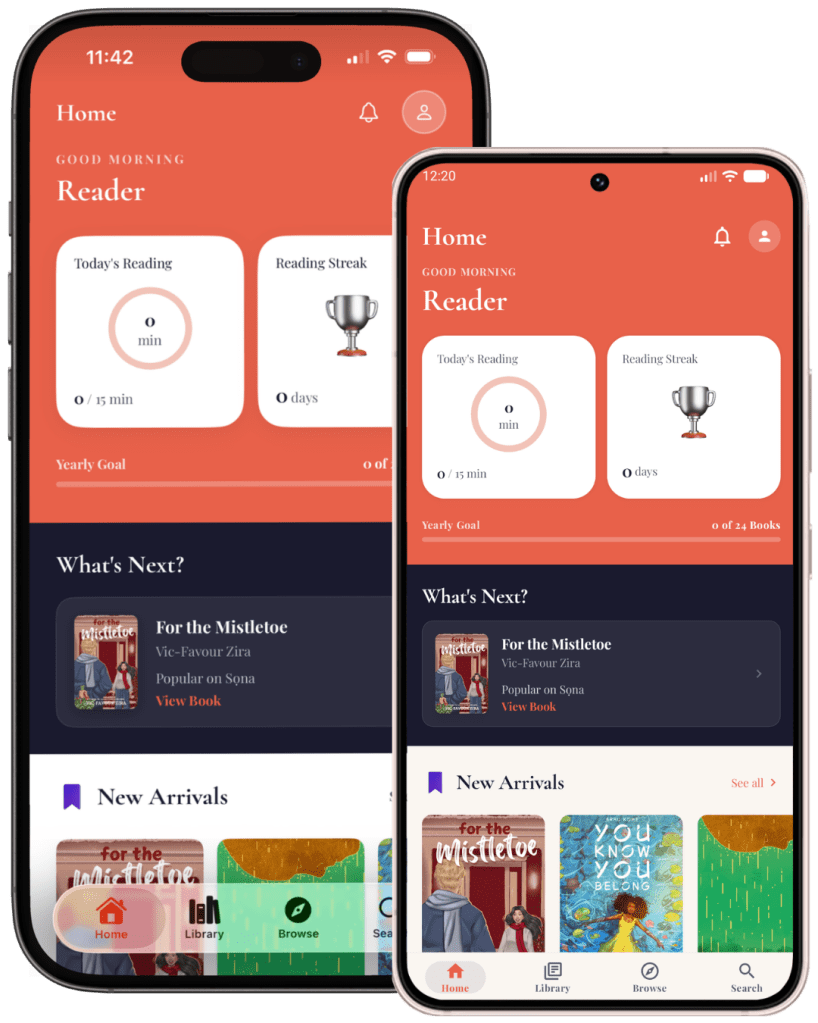
4. Sọna Reader
Sọna is the newbie here, and its differentiator is that it is much more than just a bookstore. It is a full ebook reading app and discovery hub rolled into one, giving you the best of both worlds. You can buy books or import your own EPUB library to read right alongside them, and it also has a built-in eARC hub for requesting advance copies and submitting reviews.
While it may seem Nigerian-first and is still growing its catalogue and traction, it is open to readers and writers around the world. For readers here, it completely removes the local payment nightmare because books can be bought in naira.
- Pros: naira payments, personal EPUB imports, indie books, web and app reading, and eARCs in one place.
- Cons: it is new, so the catalogue and app ecosystem are still growing.
5. Libby
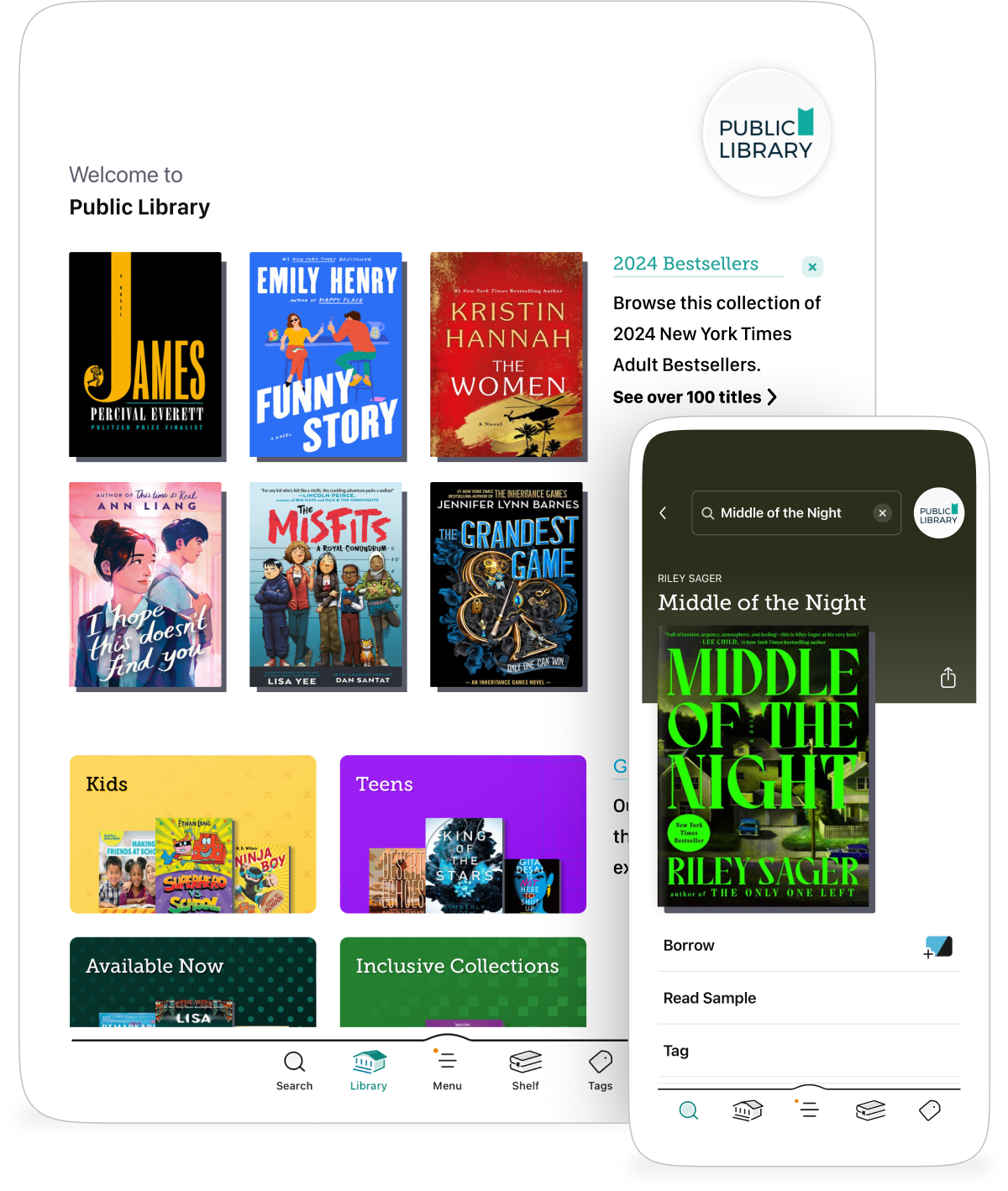
Libby is a gift that will not stop giving for readers like me in Nigeria who want to support authors and still read legally. It was built around library systems in places like the UK and US, so the catch is that you need access to a card from a participating library.
Once you are in, you are entirely restricted to whatever collection that particular library holds, and popular books can have ridiculous waiting lists. Still, for free books and audiobooks, it is hard to beat when you have access. The app is easy to use, loans return automatically, and you can download books to read offline.
- Pros: free legal access, ebooks, audiobooks, magazines and offline reading.
- Cons: library-card access, waiting lists and being limited to one library’s collection.
All platform availability checked in July 2026. Features, pricing and country access can change.
So, which one should you use?
My honest takeaway is that I use all of them because they all serve different purposes.
- Kindle for KU and books I cannot find elsewhere.
- Kobo when I want more control over my files.
- Apple Books for storing all the book files I own, and because I am deep in the Apple ecosystem.
- Sọna because it handles local payments seamlessly and lets me read my own files, access eARCs and browse a growing catalogue.
- Libby when I am feeling patient enough to work the library system.
So my recommendation is simple, use them all. Or at least use the combination that lets you find the books you want, read comfortably and avoid going broke.
Full disclosure: I am Sọna’s founder, which is precisely why I know how awesome it is. I built it because I was tired of everything else falling short.
What do you use and why? Tell me in the comments. I am always looking for amazing features that can be integrated into Sọna, hehe.